Description
This workshop takes place over three consecutive Saturday afternoons
Feb. 14, 21, 28, 2026 in Studio TWO (makeup date in the event OAS must cancel a class is Mar. 7)
2 – 4 pm
Build a Website for your Art / Business Using Canva
3-Week Course | 120 minutes per session
Week 1: Website Basics & Planning Your Site
Learn how Canva websites work and explore website templates designed for different purposes. Students will plan their site structure, choose a layout, and begin building a homepage.
Topics include:
- Understanding Canva websites vs traditional websites
- Choosing the right template for your needs
- Planning pages (Home, About, Contact, etc.)
- Adding text, images, buttons, and links
- Saving and previewing your site
Week 2: Design, Branding & Content
Focus on making your website visually cohesive and easy to navigate. Students will continue building their site while learning basic web design principles and branding tools.
Topics include:
- Layout, spacing, and readability
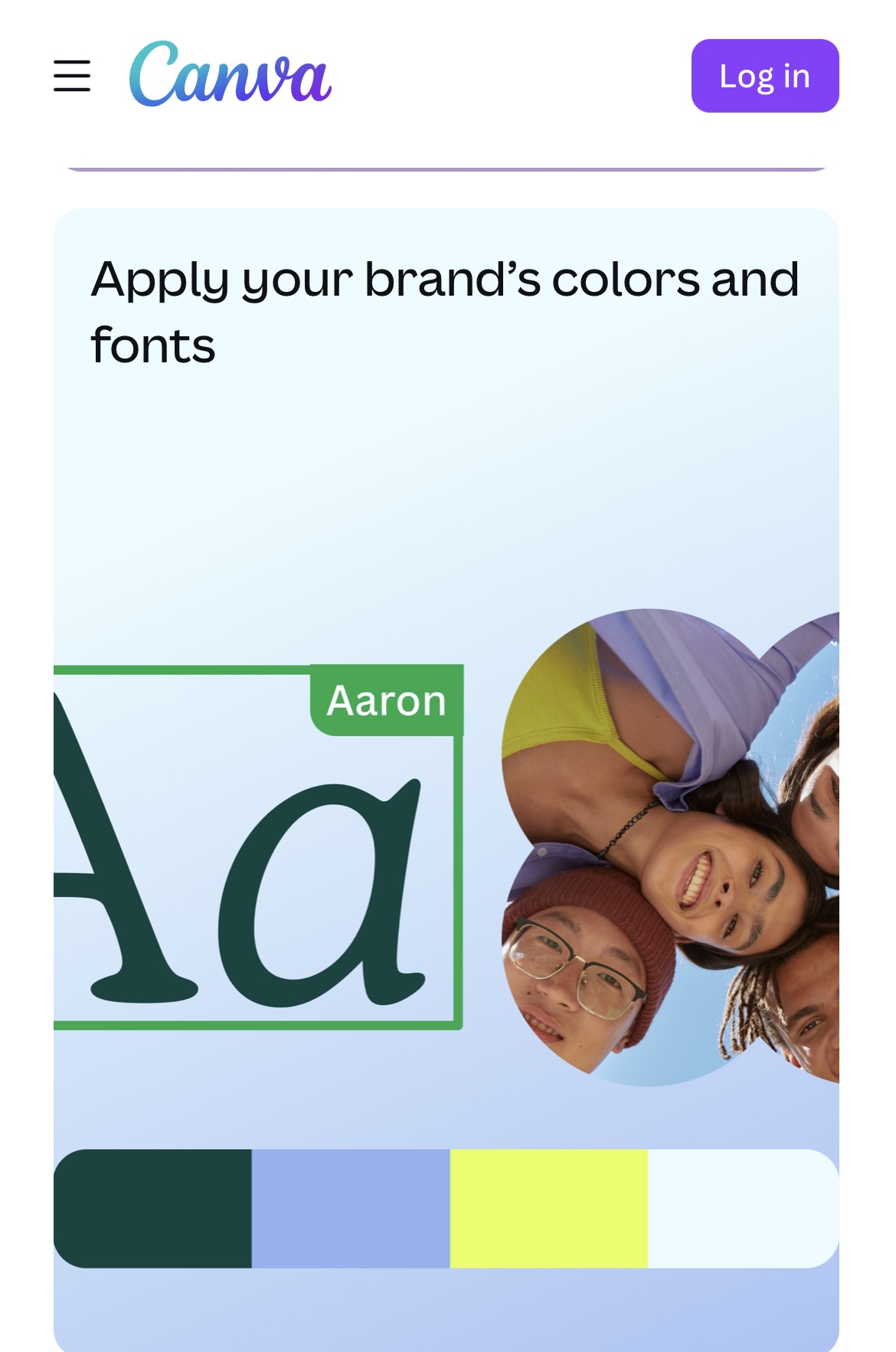
- Fonts, colour palettes, and brand consistency
- Uploading images and using Canva photo tools
- Adding galleries, sections, and visual interest
- Creating clear calls-to-action
Week 3: Final Touches, Publishing & Sharing
Complete your website and learn how to publish and update it. Students will refine their designs, test functionality, and gain confidence managing their site independently.
Topics include:
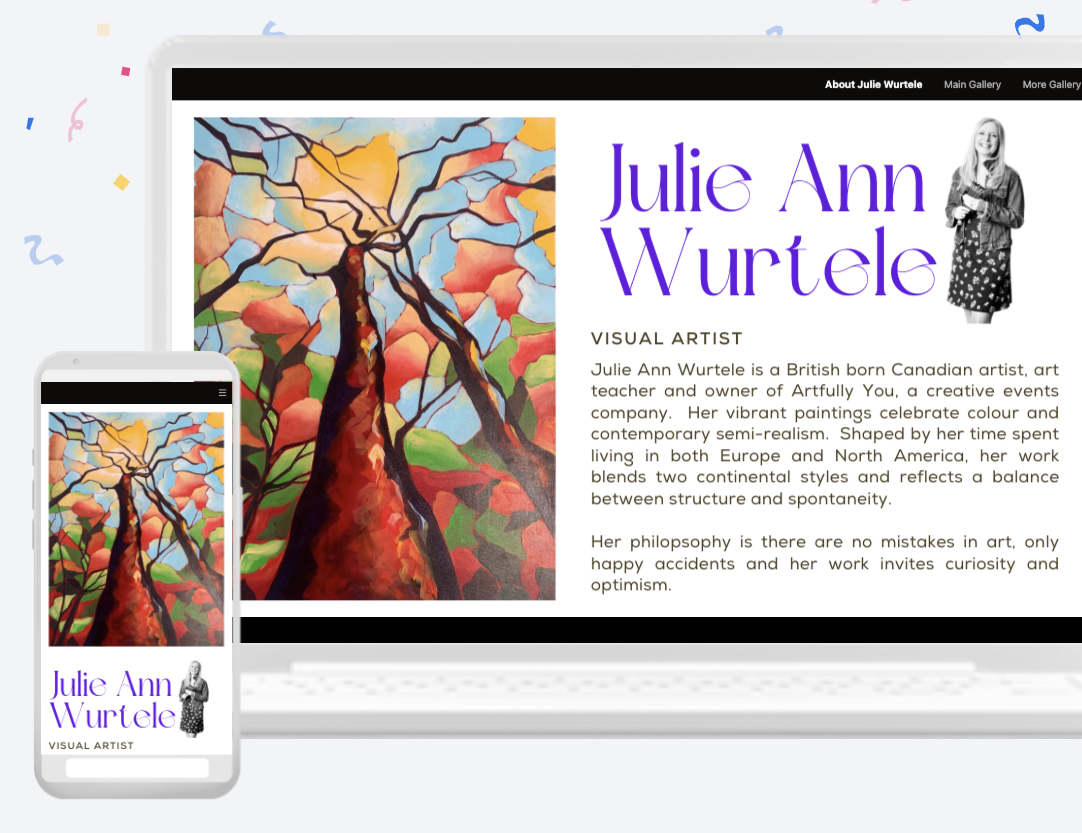
- Mobile vs desktop views
- Navigation and usability checks
- Publishing your Canva website
- Using a Canva domain or custom domain (overview)
- Updating, sharing, and maintaining your site
By the end of the course, students will have a fully built, published Canva website and the skills needed to update and manage it on their own. You will need to bring a laptop or iPad to the course. A free Canva account is sufficient for this course. Canva Pro is optional / not required.